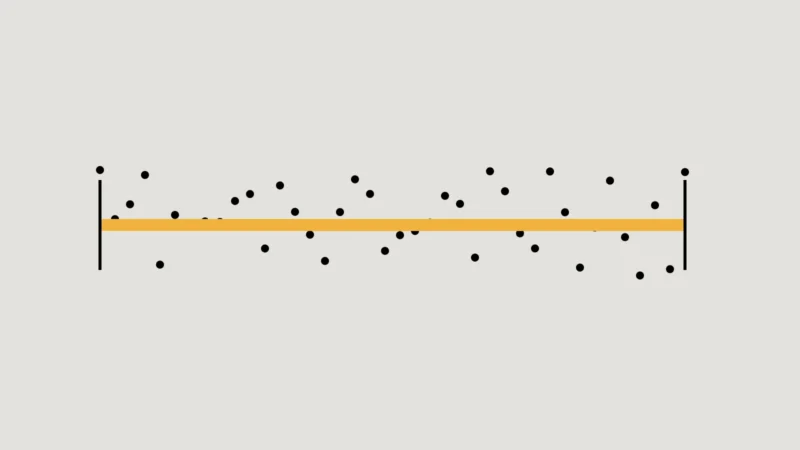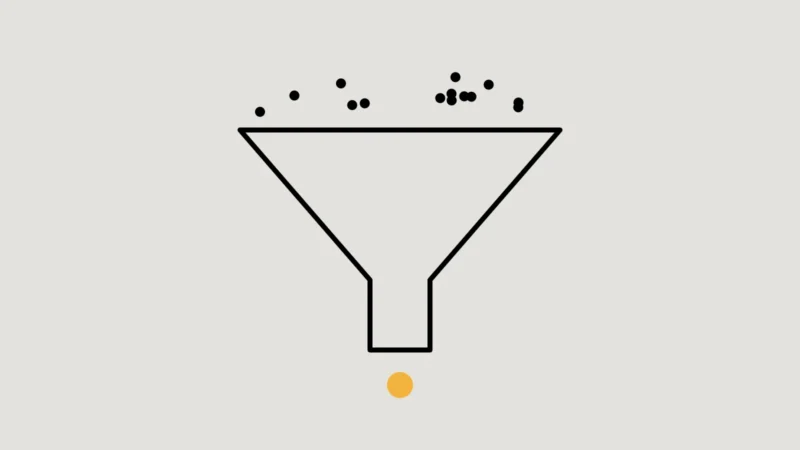
An A/B test shows two versions of a page to comparable groups of visitors at the same time and measures which one leads to more of a chosen action, such as enquiries or signups. Because both versions run side by side, the test separates the effect of the change from everything else going on: seasons, campaigns, news.
It is a powerful method. It also has one demanding requirement: enough conversions to tell a real difference from chance.
Do you have enough traffic?
Small differences need large samples. If a page converts 2 in every 100 visitors and you hope to lift that to 2.5, you typically need many thousands of visitors per version before the result is reliable. A site with a few hundred visitors a month and a handful of enquiries could wait a year, and the business would change in the meantime.
- Use a sample size calculator before you start, with your real conversion rate and the smallest change worth detecting.
- If the answer is longer than a couple of months, test something bigger, choose a more frequent action, or use another method.
- Decide the sample size and the measure of success in advance, and don’t stop early because one version is ahead. Early leads often disappear.
Key takeaway
If you can’t reach the sample size in a reasonable time, the honest result of the test is “we don’t know”.
Test big, meaningful changes
On smaller sites, button colours and single words rarely move results enough to measure. Changes that alter what visitors understand or are asked to do have a better chance: a clearer headline that states the offer, a shorter enquiry form, pricing information, a different order of sections, or adding evidence such as case studies.
Run tests without hurting search
Google publishes guidance on testing that keeps search rankings safe. It comes down to four rules:
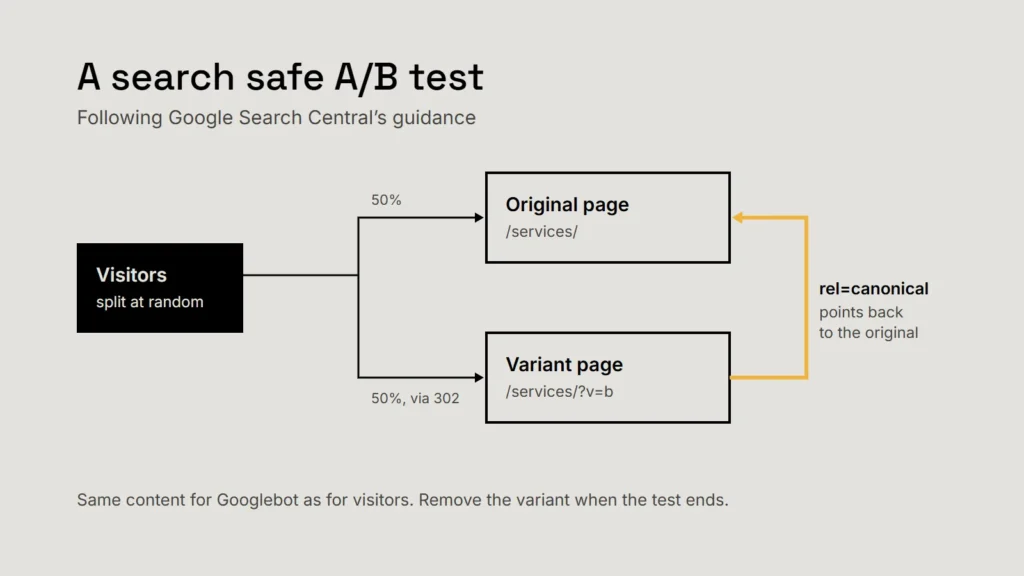
- Don’t cloak. Never show Google’s crawler different content from visitors. That breaks Google’s spam policies.
- Use a canonical link on test variant URLs, pointing to the original page. Google prefers this to a noindex tag for tests.
- Use temporary (302) redirects, not permanent (301) ones, if you send visitors to a variant URL, so the original stays in the index.
- Run tests only as long as necessary, then remove the variant pages and testing scripts promptly.
A test you can’t finish is not a test. It is a delay.
When testing isn’t practical
Most small business websites are better served by methods that need fewer visitors:
| Method | What it tells you | What it needs |
|---|---|---|
| Usability sessions | Where people get confused, and why | Five or so people from your audience |
| Customer interviews | What buyers need to know before they enquire | A handful of recent customers and prospects |
| Before and after comparison | Whether a change coincided with an improvement | A clean baseline, and care about other changes |
| Search Console data | Which searches and pages attract interest | Nothing but time |
A before and after comparison is weaker evidence than a test, because other things change at the same time. Record what else happened in the period, and treat the result as a signal rather than proof. Our article on measuring marketing honestly covers baselines in more detail.
If you do test
- Write the hypothesis: “Because we saw X, changing Y will increase Z.”
- Choose one primary measure, close to the business outcome.
- Calculate the sample size, and commit to it.
- Follow Google’s rules: no cloaking, canonical links, temporary redirects, short tests.
- Record the result, including tests that showed no difference; they stop you repeating ideas that don’t work.
Checklist
- Check the sample size first.
- Test bold changes, not tweaks.
- Never cloak; use canonicals and 302s.
- Stop at the planned sample, not at the first lead.
- Use interviews and usability sessions when traffic is low.
Related service
Market research and data analytics
Research and analysis designed around the decision in front of you.