A new website is rarely the real objective. The objective is usually more qualified enquiries, fewer repetitive support questions, a clearer offer, or a site the team can update without waiting on a developer. A redesign is one way to get there, and it goes far more smoothly when a few decisions are made first.
None of these decisions needs a designer. They need the people who understand the business, an hour or two of honest discussion, and a willingness to write the answers down.
Decide what the website is for
Write one sentence that describes what a visitor should be able to do after visiting. “Understand what we offer and send an enquiry” is useful. “Look modern” is not, because nobody can tell when it has been achieved.
Then rank the two or three actions that matter most. Every page, menu and button will be judged against that list, which keeps later debates short.
Key takeaway
If you can’t say what the website is for in one sentence, no design can answer it for you.
Decide who it is for
Pick the people whose decisions matter most to the business and describe what they already know, what they need to check, and what would make them leave. A finance lead comparing suppliers reads a page very differently from a founder looking for a partner.
- What do they search for before they find you?
- Which questions must be answered before they contact you?
- What would make them doubt you, and what evidence would reassure them?
If you have real answers from customers, use them. If you don’t, a few short conversations with recent customers will tell you more than an internal workshop.
Decide what content you keep
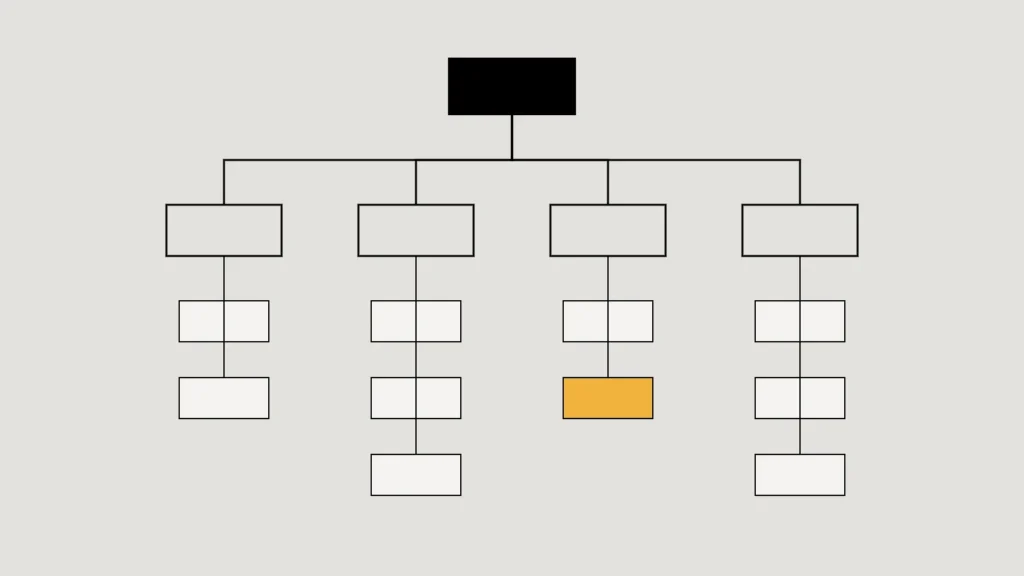
Make an inventory of the current site before planning the new one: every page, its address, whether it is still accurate, whether people still visit it, and whether anyone still needs it. Content kept “just in case” makes navigation harder for everyone else.
Decide what happens to every old address
Each existing URL needs an outcome. Pages with a genuine equivalent should be permanently redirected to it. Pages that are retired with no equivalent should say so honestly rather than being redirected to the homepage, which search engines treat as a “soft 404” anyway.
| Outcome | When it applies | What the old address returns |
|---|---|---|
| Keep | The page is accurate and still useful | The same page (200) |
| Merge or move | A new page answers the same question | A permanent redirect to that page (301) |
| Retire | Out of date, with no equivalent | “Gone” (410) or “not found” (404) |
We followed exactly this approach when we replaced our own previous website: three pages had genuine equivalents and were redirected, and everything else was retired openly.
Decide how you will measure it
Agree on two or three measures before launch and record where they stand today. Without that baseline, nobody can say whether the new site helped, and the conversation turns into opinion.
A redesign without a baseline is an opinion with a launch date.
Good measures sit close to the objective: enquiries received, the share of enquiries that become real conversations, or how long it takes the team to publish an update. Visits and time on page are useful context, but they rarely answer the business question on their own.
Decide on a performance budget
Speed is easier to protect than to recover. Agree limits at the start, for example: the main content appears within 2.5 seconds for most visitors, the layout doesn’t jump while loading, and no third-party script is added without someone approving it. Those first two limits match the “good” thresholds Google publishes for its Core Web Vitals.
Decide who looks after it
A website needs an owner after launch. Decide who approves changes, who writes new pages, who checks that the enquiry form still delivers, and who renews the domain and certificates. If the honest answer is “whoever has time”, plan a simpler site that needs less looking after.
The technology choice follows from this. A team that publishes weekly needs an editor it is comfortable with; a site that changes twice a year can be leaner.
A one-page brief
Put the answers on a single page: purpose, audiences, the ranked actions, the content inventory, the redirect plan, the measures with today’s numbers, the performance budget and the owner. Share it with whoever builds the site. It will save more time than any other document in the project.
Checklist
- Purpose and audience before pages.
- An outcome for every old URL.
- A baseline before launch.
- A named owner after it.
Related service
How we plan, design, build and look after websites and apps.