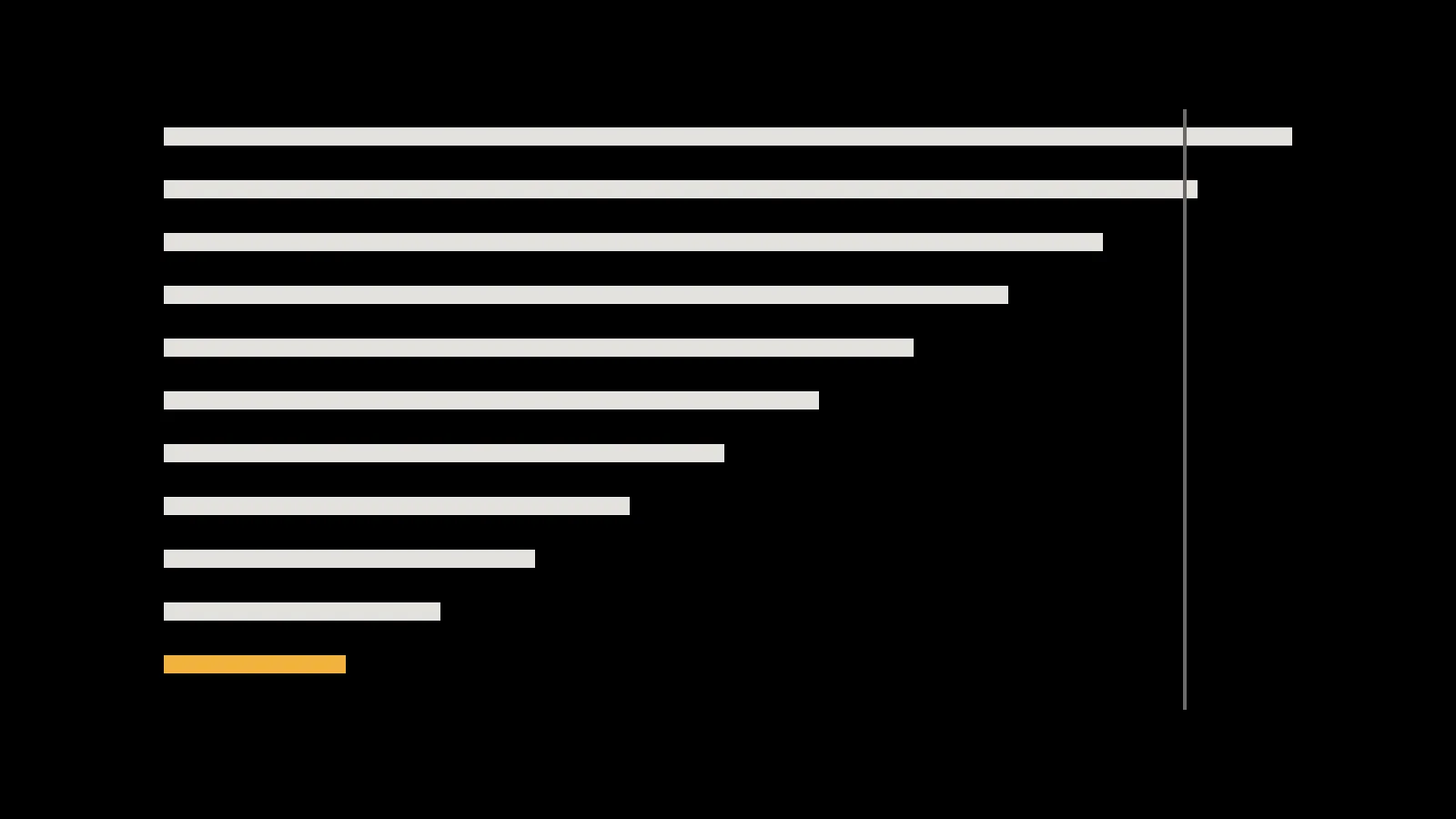
Core Web Vitals are three measurements that Google uses to describe the experience of loading and using a web page. They are measured from real visits in Chrome, which makes them a useful, neutral view of how your website performs for actual customers rather than on the office connection.
| Metric | What it measures | Good | Poor |
|---|---|---|---|
| Largest Contentful Paint (LCP) | How quickly the main content appears | 2.5 s or less | Over 4 s |
| Interaction to Next Paint (INP) | How quickly the page responds to taps, clicks and typing | 200 ms or less | Over 500 ms |
| Cumulative Layout Shift (CLS) | How much the layout jumps around unexpectedly | 0.1 or less | Over 0.25 |
Two details matter. First, the assessment uses the 75th percentile: three in four visits need to be good, so a fast experience on new phones doesn’t hide a slow one on older devices. Second, mobile and desktop are assessed separately. INP replaced an older responsiveness metric, First Input Delay, in March 2024.
Do they affect search rankings?
Google says Core Web Vitals are used by its ranking systems, and it also says that good page experience doesn’t override having the most helpful, relevant content. In practice, treat them as a quality floor. They rarely rescue weak content, but a slow, jumpy page loses people who would otherwise have become customers.
Key takeaway
Optimise for visitors first. Search benefits follow from pages that are genuinely quicker and calmer to use.
Largest Contentful Paint: the main content
LCP marks the moment the biggest visible element, usually a hero image or a headline, finishes rendering. Google’s guidance breaks it into four parts, and the fix depends on which part is slow.
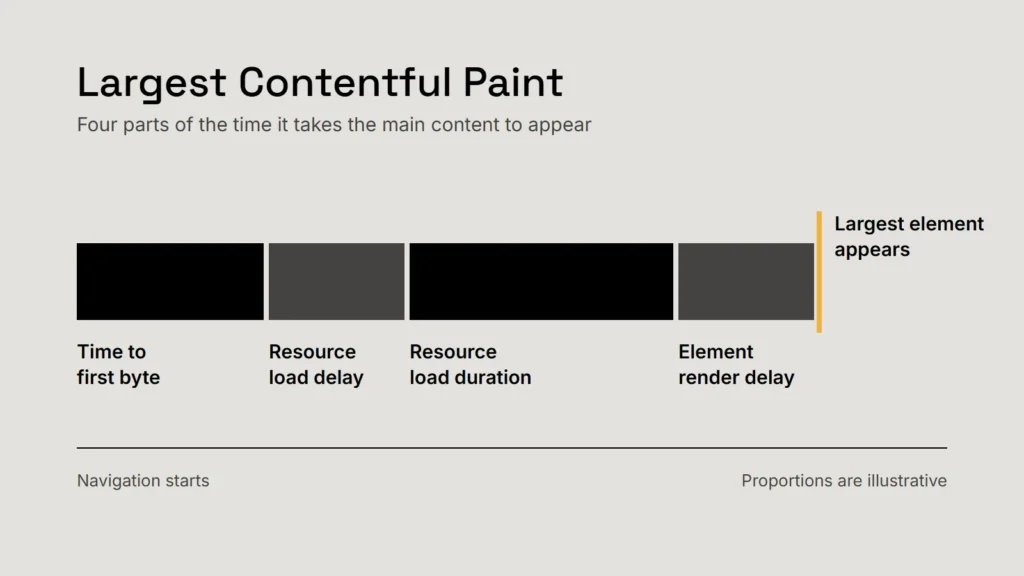
- Time to first byte. The server and network. Caching, a content delivery network and avoiding unnecessary redirects help here.
- Load delay. The browser discovering the image late. Put the main image directly in the HTML, never lazy-load it, and mark it with
fetchpriority="high". - Load time. The file itself. Serve modern formats such as WebP or AVIF at the size actually displayed.
- Render delay. Blocking styles and scripts. Defer non-essential JavaScript and keep critical CSS small.
Interaction to Next Paint: responsiveness
INP looks at the delay between an interaction and the next visual update, across the whole visit, and reports one of the slowest. A menu that takes half a second to open, or a form that freezes while a script runs, shows up here.
The usual cause is too much JavaScript running on the main thread. The remedies are unglamorous: remove scripts you don’t need, break long tasks into smaller ones, show the visual response first and do the bookkeeping afterwards, and be wary of third-party widgets that run on every page.
Cumulative Layout Shift: stability
CLS adds up unexpected movements of visible content. The classic example is reaching for a button just as a late image or banner pushes it down the page.
- Give every image and video its width and height so the browser reserves the space.
- Reserve space for anything injected later: cookie notices, embeds and adverts.
- Load web fonts carefully so text doesn’t reflow when they arrive.
- Animate with transforms rather than by changing size or position properties.
How to check your own site
PageSpeed Insights shows both field data from real Chrome users (when a site has enough traffic) and a lab test you can repeat. Search Console groups pages by status so you can see which templates need attention. Lab tests are good for diagnosing; field data is what counts.
When you test, use a mid-range phone profile and a throttled connection. A page that is quick on a new laptop over office fibre can still fail for most of your visitors.
Checklist
- Measure on realistic devices.
- Fix the slowest template first, not the homepage alone.
- Recheck after every new script or plugin.
Related service
Fast, accessible websites with performance budgets agreed at the start.