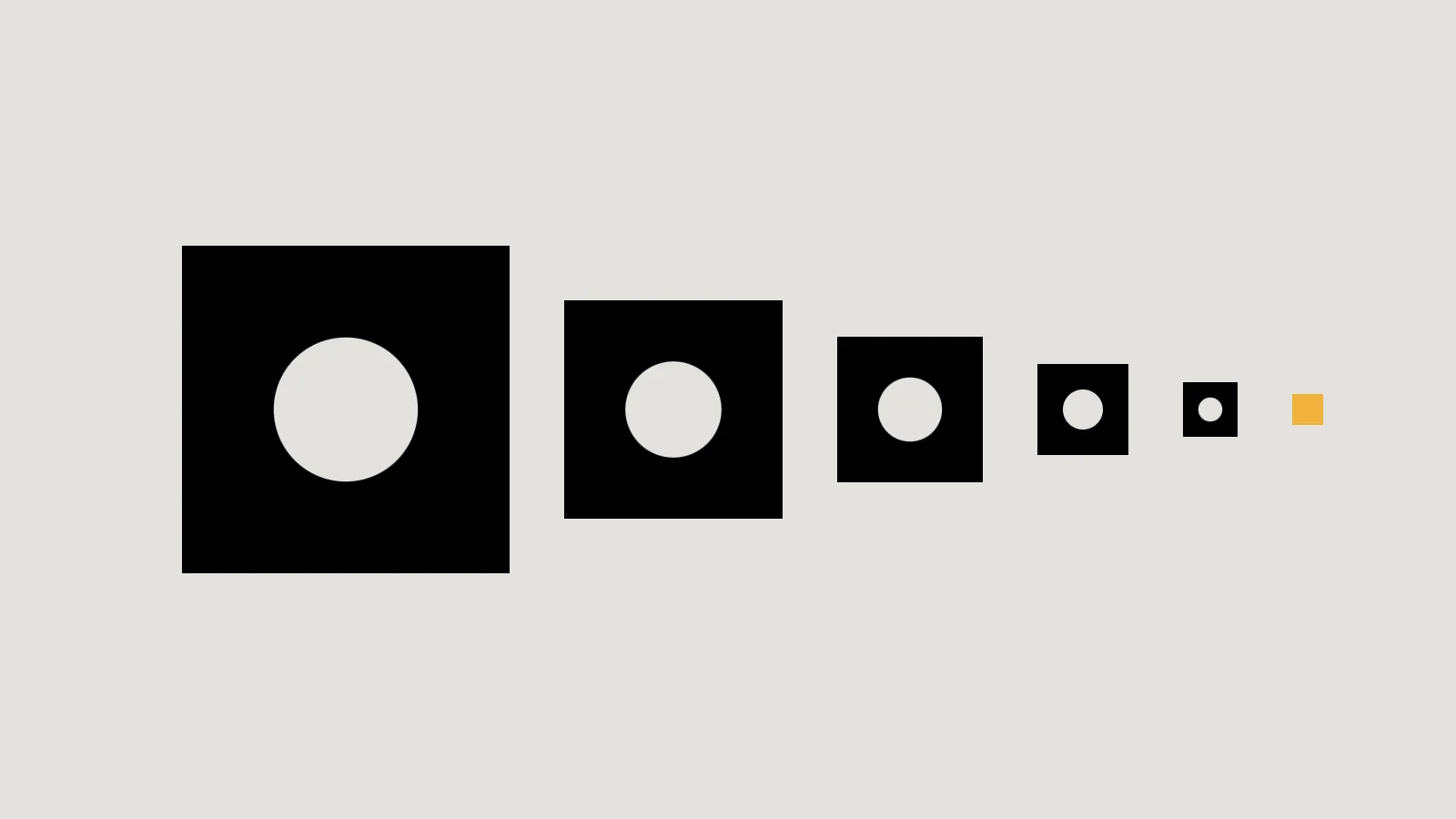
A favicon is the small icon in browser tabs, bookmarks and Google’s search results. A share image is the picture that appears when your page is shared on social media or in a messaging app. Neither takes long to make, and both come straight from the logo kit you should already have.
Favicons: what Google asks for
Google shows a site’s favicon next to its search results, so it is worth meeting Google’s guidelines:
- Square: a 1:1 shape, at least 8 × 8 pixels. Google recommends larger than 48 × 48 so it looks good everywhere.
- A supported format: Google lists BMP, GIF, ICO, PNG, JPEG, PPM and TIFF. SVG isn’t on Google’s list, so provide a PNG or ICO as well.
- Linked from your home page with a
<link rel="icon">tag, and crawlable by Google. - A stable address: Google asks you not to change the favicon’s URL often.
- One per site: Google supports one favicon per hostname.
Even then, Google says a favicon isn’t guaranteed to appear. Design it to work tiny: usually your compact icon or symbol, not the full logo with its name.
Key takeaway
Use the simplified icon from your logo kit. A full logo at 16 pixels is just a smudge.
Phones and web apps
Apple’s iOS uses its own non-standard apple-touch-icon link for the icon shown when someone adds your site to their home screen, as MDN notes, rather than the standard icon link. Sites that work like apps can also list icons in a web app manifest, where an icon marked maskable is designed with a safe zone, so the device can crop it into a circle or rounded square without cutting off the important part.
Share images: Open Graph
When a link is shared, platforms such as Facebook and LinkedIn read Open Graph tags in your page’s code. The Open Graph protocol lists four required properties for every page: og:title, og:type, og:image and og:url. It also says that if a page sets an image, it should set og:image:alt, a description of what the image shows.
| Detail | Guidance | Source |
|---|---|---|
| Recommended size | At least 1200 × 630 pixels for high-resolution screens | Meta for Developers |
| Minimum for large previews | 600 × 315 pixels | Meta for Developers |
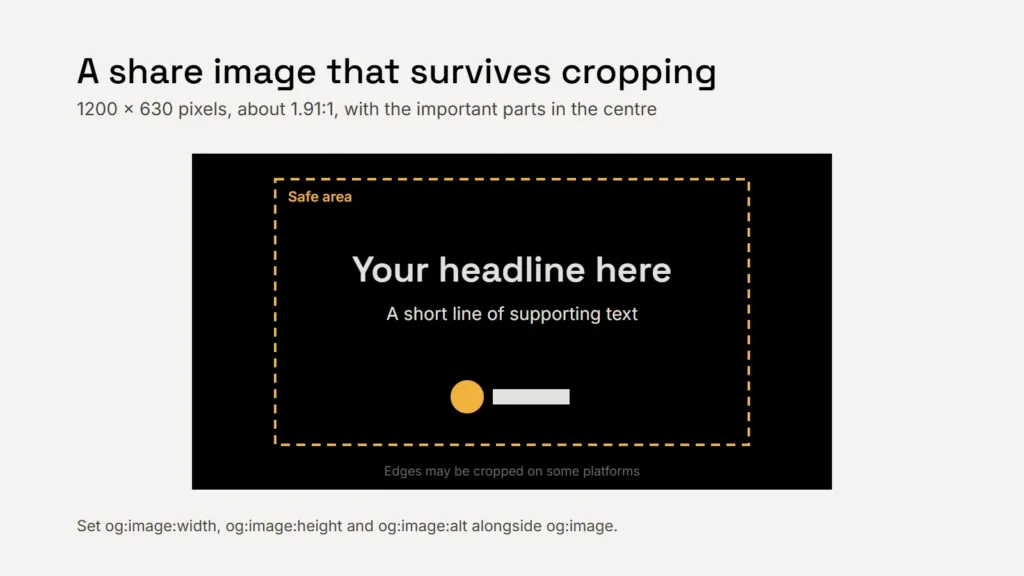
| Shape | As close to 1.91:1 as possible to avoid cropping | Meta for Developers |
| File size | No larger than 8 MB | Meta for Developers |
| Width, height and alt text | Set og:image:width, og:image:height and og:image:alt | Open Graph protocol |
A share image is often the first time someone sees your brand. Make it look intended.
Designing a share image that survives
- Keep text and logos near the centre. Different platforms crop the edges differently.
- Use few words, large. Previews are often viewed at phone width.
- Make one per important page where you can, such as your home page, services and articles, with a sensible default for the rest.
- Change the file name when you change the image. Meta notes that its crawler caches images, so a new image needs a new URL.
Checklist
- A square favicon larger than 48 × 48, in PNG or ICO.
- A simplified icon, not the full logo.
- An Apple touch icon for home screens.
- Open Graph tags on every page.
- A 1200 × 630 share image with alt text and a safe centre.