Hosting companies compete on long feature lists, but for a typical business website of 5 to 20 pages, a few things matter far more than the rest. Get those right and you can ignore most of the jargon.
The main types of hosting
| Type | Suits | Watch for |
|---|---|---|
| Shared hosting | Small sites with modest traffic | Performance varies, and backups may be basic |
| Managed WordPress hosting | WordPress sites where you want updates, backups and caching handled | Higher price; check which plugins are allowed |
| Cloud or VPS hosting | Busier sites, or custom applications | Someone has to manage the server |
| Website builder platforms | Sites built on Wix, Squarespace and similar | Hosting comes bundled, and moving away is harder |
If you’re still deciding on a platform, our comparison of WordPress, Wix and Squarespace covers the trade offs.
Backups: the most important feature
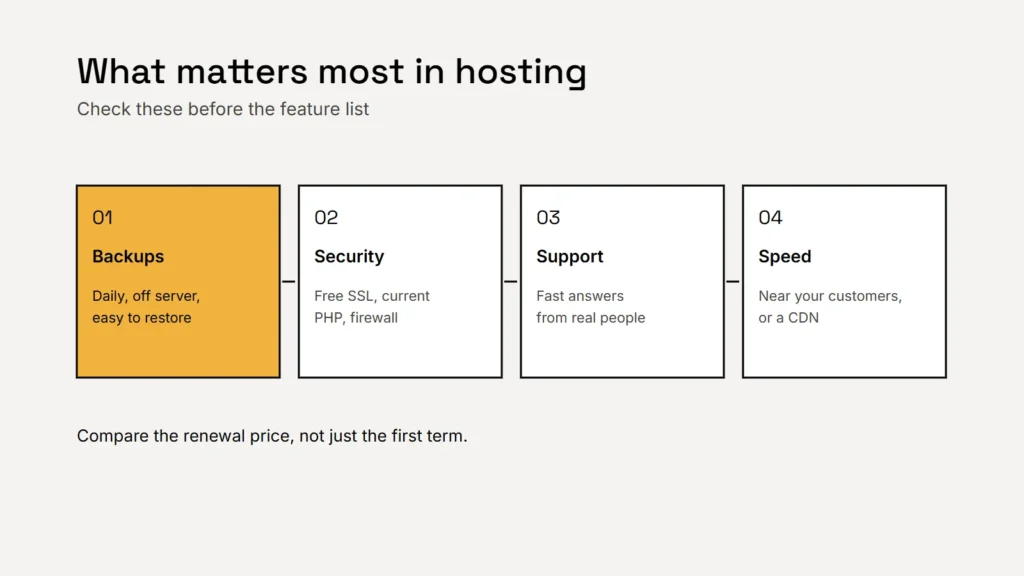
Look for automatic daily backups, kept for at least a few weeks, stored away from the server your site runs on, and a simple way to restore them. Ask whether restoring costs extra. A backup you’ve never tested is only a hope, so try a restore once, or ask whoever looks after your site to do it.
Key takeaway
When something goes wrong, a recent backup turns a disaster into an inconvenience.
Security, updates and HTTPS
- A free SSL certificate with automatic renewal, so your site always loads over HTTPS. See our guide to HTTPS and SSL certificates.
- Current server software. WordPress currently recommends hosts support PHP 8.3 or greater, MariaDB 10.11 or MySQL 8.4 or greater, and HTTPS. It warns that older versions have reached their end of life and may expose your site to security vulnerabilities.
- Malware scanning, a firewall and two factor sign in for the hosting account.
Hosting keeps the server safe. Your website’s own software still needs updating too; our website security basics explain who should do what.
Support and speed
When your site goes down, you want a fast answer from someone who can fix it. Check how support works, when it’s available and whether it helps with your platform. For speed, choose a data center near your customers or a host with a content delivery network, and remember that a well built site matters more than the server. Our guide to Core Web Vitals explains how speed is measured.
Price: look at the renewal, not the first term
Many hosts advertise a low first term and renew at a higher price. Compare the renewal price, and check what’s included at that price: backups, SSL, email and support. Email hosting is a separate decision; many businesses use a dedicated email service rather than mailboxes on their web host.
The cheapest hosting often becomes the most expensive the first time you need a backup.
Keep the account in your name
Whoever builds your site, the hosting account should belong to your business, with your own login and your own payment method. Your designer can have their own access. If you ever change designers, nothing needs to be rescued. Our guide to switching web designers shows why this matters.
Checklist
- Automatic daily backups, stored off the server, with easy restores.
- Free SSL that renews itself.
- PHP 8.3 or greater for WordPress.
- Support that answers quickly.
- A data center or CDN near your customers.
- A renewal price you’re happy with.
- The account in your business’s name.
Related service
Optional monthly care for your website: updates, backups, security checks and small changes, with your hosting and domain kept in your name.