Most owners look at their own website rarely, and usually on a desktop computer they know well. Customers see it differently: on a phone, in a hurry, comparing you with two or three competitors. Work through this list on your own phone, as if you were a new customer.
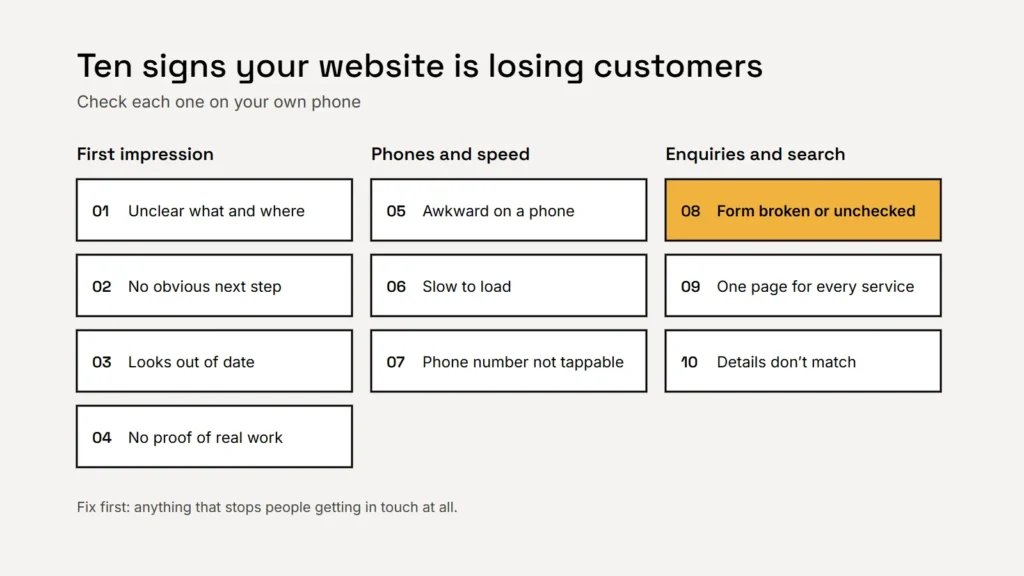
First impression
- 1. It isn’t clear what you do and where. A visitor should know within a few seconds what you offer, where you work and what to do next. Check: open your home page on a phone. Can you see all three without scrolling?
- 2. There’s no obvious next step. If the call, booking or quote button is hidden at the bottom or only on the contact page, many visitors won’t look for it. Check: is there a clear button on the first screen of every main page?
- 3. It looks out of date. Old dates, last year’s offers, a copyright year from long ago or stock photos instead of your real team and work all suggest the business may not be active. Check: read the home page for anything that isn’t true any more.
- 4. There’s no proof. Customers look for reviews, photos of real work, licences and accreditations before they get in touch. Check: could a stranger tell from your site that real customers trust you? See how to ask for reviews.
Phones and speed
- 5. It’s awkward on a phone. Tiny text, buttons too close together, pop-ups that cover the page or sideways scrolling. Google also uses the mobile version of your site for indexing and ranking. Check: try to call and enquire using only your thumb.
- 6. It’s slow. Google’s Core Web Vitals measure loading, responsiveness and visual stability; a good target is the main content loading within 2.5 seconds. Check: run your home page through PageSpeed Insights and look at the mobile result. Our guide to Core Web Vitals explains the numbers.
- 7. The phone number isn’t tappable. On a phone, a number that has to be copied and pasted is a lost call. Check: tap it. Does it start a call?
Enquiries and being found
- 8. The contact form is broken, or nobody checks it. This is the most expensive problem on the list, because it fails silently. Forms stop sending after updates, emails land in spam and inboxes go unread. Check: send yourself a test enquiry today, and every month. See contact forms that work.
- 9. One page tries to cover every service. Customers search for specific services, and a single “Services” page rarely ranks or convinces for any of them. Check: does each main service have its own page? Our guide to service pages shows how.
- 10. Your details don’t match everywhere. Different phone numbers, addresses or hours on your website, Google Business Profile and directories confuse customers and search engines. Check: compare them side by side. See our listings guide.
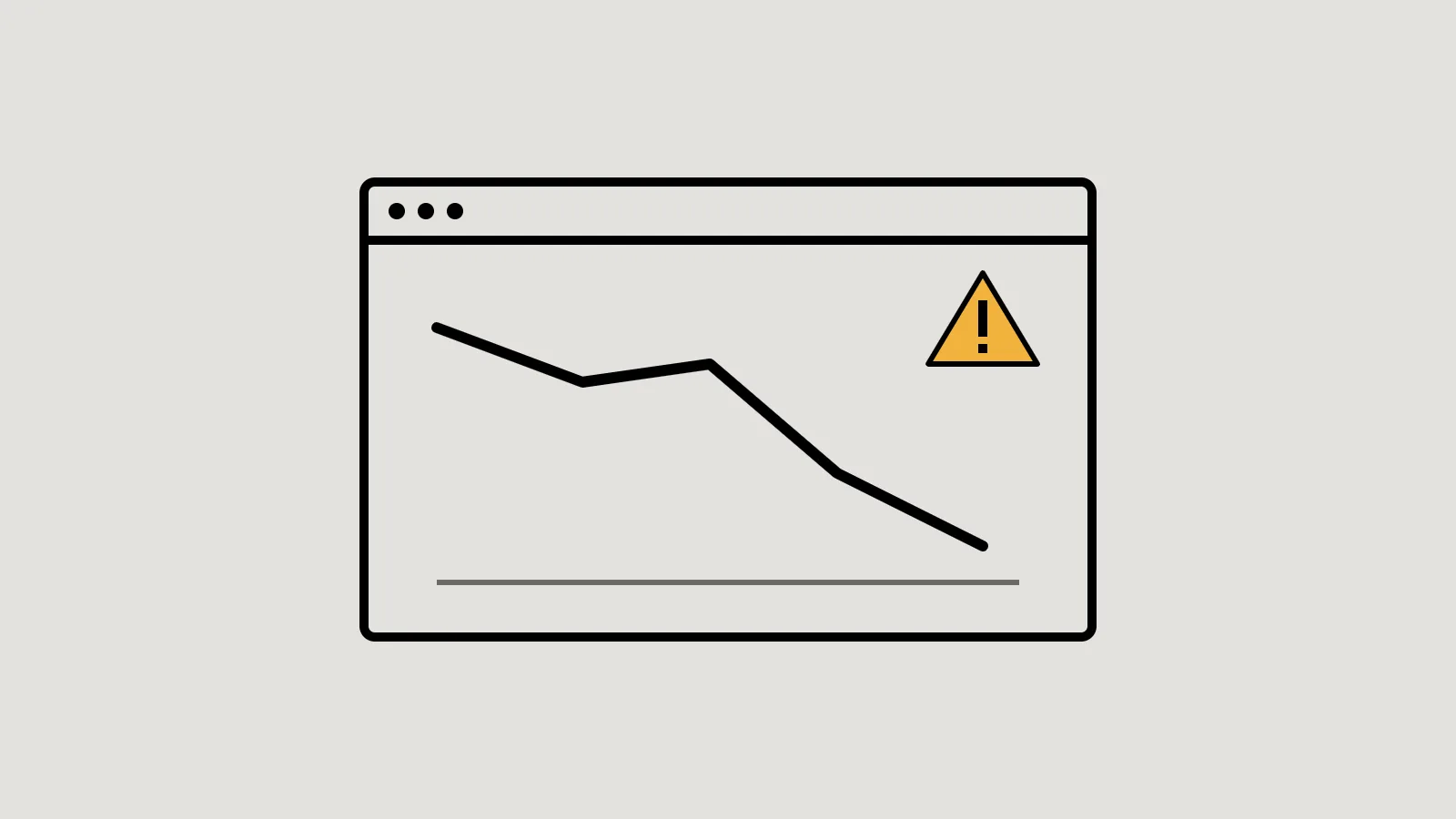
The most expensive website problem is the one nobody notices: a contact form that quietly stopped working.
What to fix first
Start with whatever stops people getting in touch at all: a broken form, a phone number that can’t be tapped or a missing call to action. These are usually quick and cheap to fix, and they help every visitor. Next, fix what loses trust (out-of-date content and missing proof), then what affects being found (service pages, speed and consistent details).
If several signs apply, or the site is hard to update, it may be time for a redesign rather than repairs. Our guide to what a redesign costs helps you weigh it up.
Checklist
- Test your contact form today.
- Check the first screen on a phone.
- Make the phone number tappable.
- Show real proof: reviews and real photos.
- Give each main service its own page.
- Keep your details the same everywhere.
Related service
Send us your website and get a short, plain-English review within 2 business days. No obligation.